

Shorten any link
without leaving the tab
Click the icon, right-click a link, or hold Alt over one. The short link lands on your clipboard either way.
Free · No account needed · No waiting page for whoever clicks

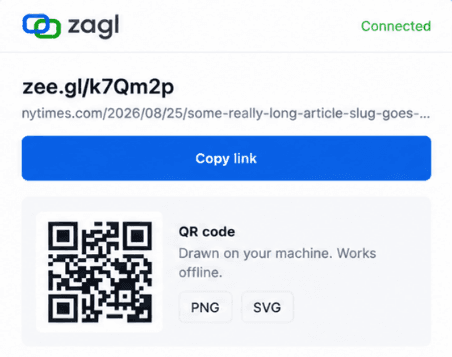
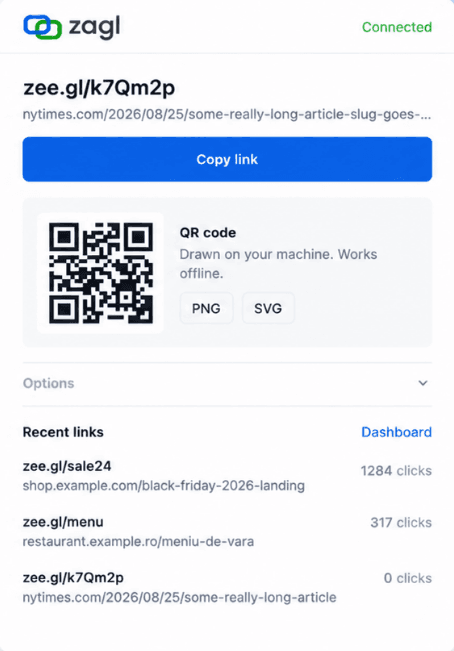
Three ways in, none of them a form
Whichever one you use, the short link lands on your clipboard by the time you look back at what you were doing.
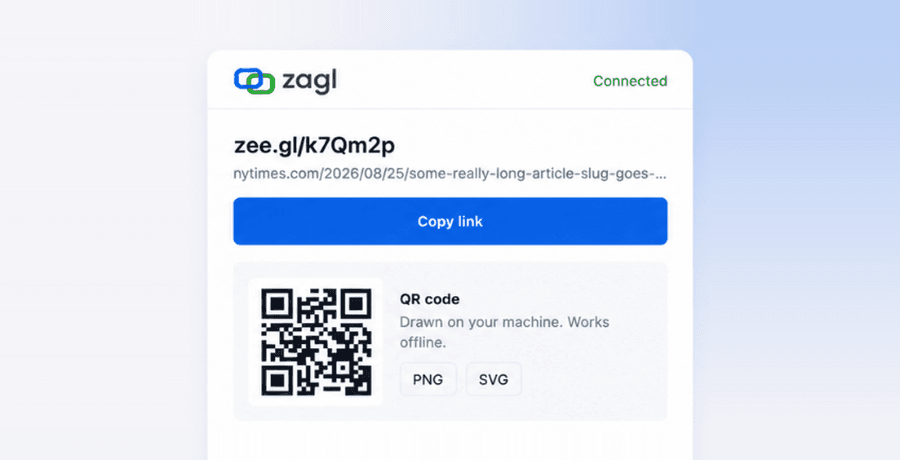
The toolbar icon
Open it and the current page is already shortened and on your clipboard.
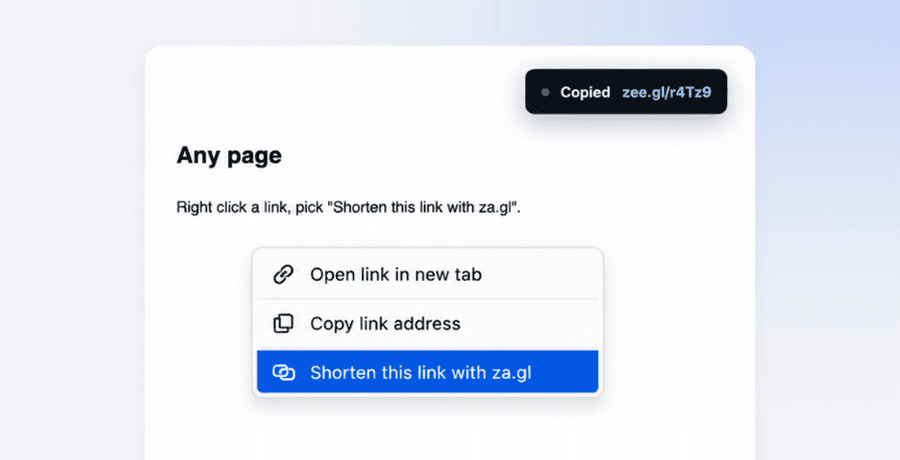
Right-click anything
A link, the page itself, or a selection with an address inside it.
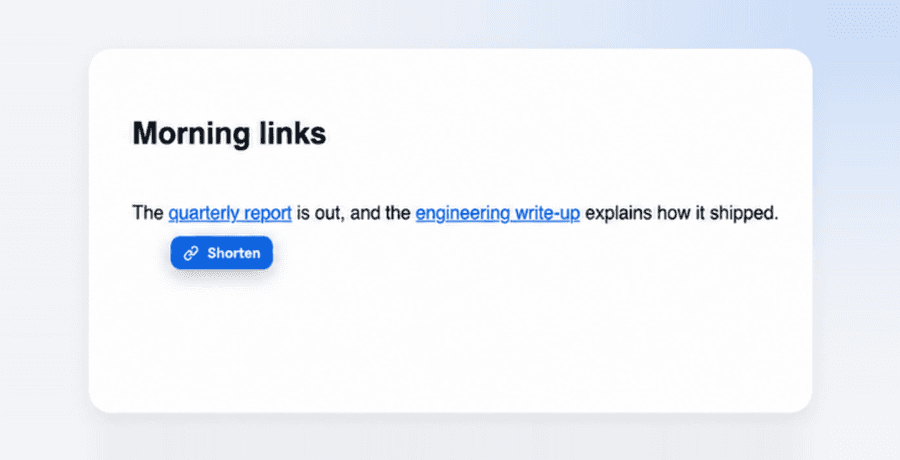
Alt and hover
Hold Alt over any link and a small button appears next to it.
Or never touch the mouse. One shortcut shortens the tab you are on.
A QR code you own, not one you rent
Most extensions fetch the QR image from somebody else's server. When that service is retired the code stops appearing, quietly, for everyone who installed it.
This one is drawn inside the extension, on your machine. It works with the network off, and it downloads as a PNG for print or as a vector SVG that stays sharp on a poster.
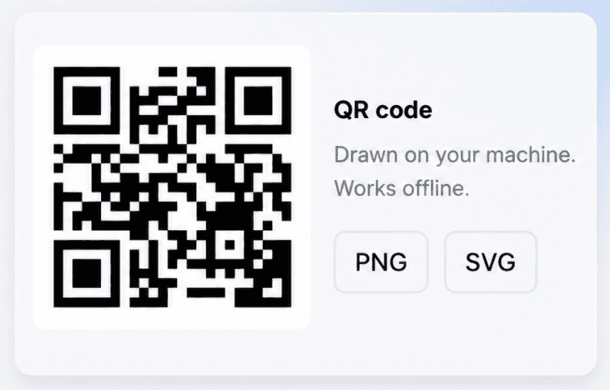
Installing it does not cost you the browser
Every permission here has one job, and the list is short on purpose.
What it asks for
- The address of the tab, only when you click the icon or the menu
- A place to keep your own token and preferences
- Permission to talk to za.gl, and nothing else
- Access to the page you are reading, only after you turn in-page buttons on
What it never does
- Read your browsing history
- Read the content of the pages you visit
- Open a welcome tab or track you when you uninstall
- Put a waiting page in front of whoever clicks your link
Questions people actually ask
Yes. Shortening, QR codes, click counts and custom aliases cost nothing, and there is no trial that expires.
No. The first link you make creates an anonymous account in the background, so your links and their click counts are already saved. Connecting an existing za.gl account takes one click and no password.
The address of the tab you are on, and only when you ask for it by clicking the icon, using the right-click menu or pressing the shortcut. In-page buttons stay off until you switch them on, which is why installing does not ask for access to every site.
No. Links created from the extension go straight to the destination, with no countdown and no interstitial for the person who clicks.
Yes. It is drawn inside the extension rather than fetched from an image service, so it keeps working with no connection and cannot break when a third-party service is retired.
Chrome, and the browsers built on it: Edge, Brave, Arc, Opera and Vivaldi all load the same package.
Add it and forget it is there
It sits in the toolbar and stays out of the way until you need a link.
Add to ChromePrefer the website? Shorten a link here